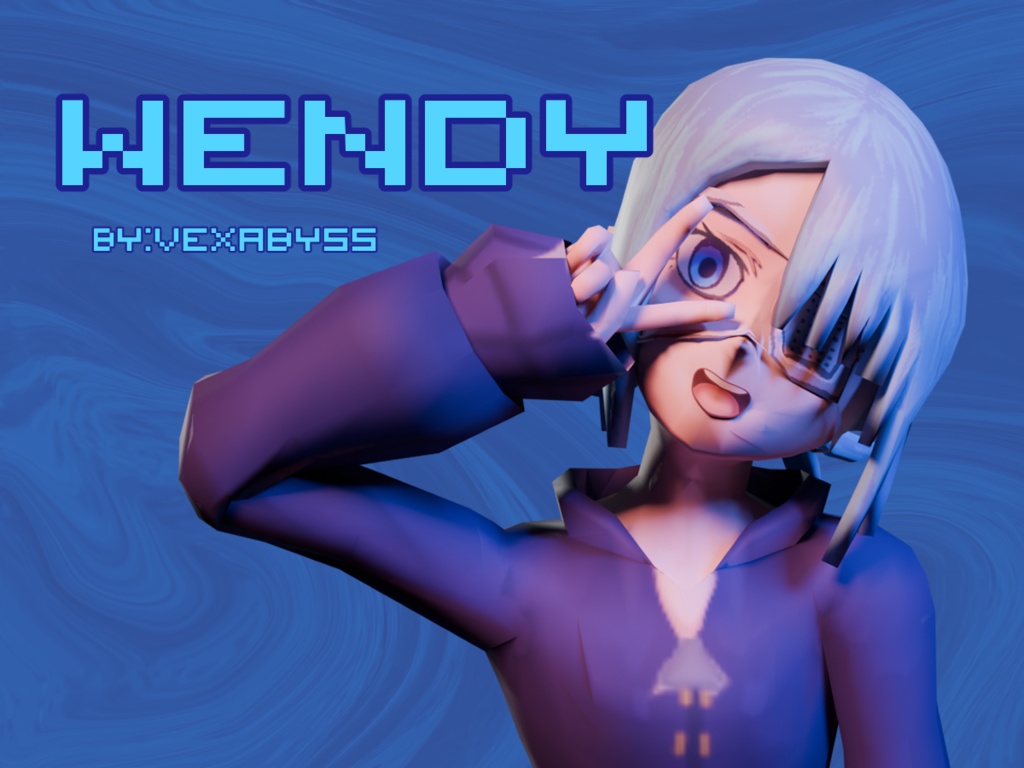
![[VexReplikaShop] -3D Model - Taiga タイガ](https://booth.pximg.net/f5c2e12b-fe14-4d0b-aa79-862b9f868a71/i/7126263/5214ad45-0955-491f-b115-654919aa7a9d_base_resized.jpg)
[VexReplikaShop] -3D Model - Taiga タイガ
作者:vexreplikaの同じ作者のアバターを見るBOOTHのショップ →
- 価格
- ¥ 0
- 公開日
- 2025年7月2日
- カテゴリ
- 3Dキャラクター
説明
Whats in this package: A fully configured prefab for the model for quick drop and upload. Blender files,substance files for retexture モデルのために完全に構成されたプレハブで、迅速なドロップ&アップロードが可能です。 ◆商品説明◆ ◆Detail◆ 1. This VRChat avatar is build upon AVATAR 3.0 system. please use the newest avatar 3.0 supported unity version for this model. 1. このVRChatアバターはAVATAR 3.0システムをベースに構築されています。 reference: https://docs.vrchat.com/docs/setting-up-the-sdk 3. For this model I used Poiyomi's shader as the shader for the entire model. heres the download link for the shader: https://github.com/poiyomi/PoiyomiToonShader 3. このモデルでは、モデル全体のシェーダーとしてPoiyomi'sのシェーダーを使用しました。 https://github.com/poiyomi/PoiyomiToonShader Step By Step Installation: 1. Get the currect newest version of unity 2. Install VRCSDK. 3. Install Poiyomi's shader (https://github.com/poiyomi/PoiyomiToonShader) 4. Import unitypackage into the scene. 5. drag the prefab into the scene. and you should be able to upload the model from there. ステップバイステップのインストール。 1. 正しいバージョンのunityをダウンロードしてください。 2. VRCSDKをインストールします。 3. poiyomiシェーダーをインストールする (https://github.com/poiyomi/PoiyomiToonShader) 4.シーンにunitypackageをインポートします。 プレハブをシーンにドラッグします。 ◆利用規約◆ ◆Rules/Copyrights◆ 1. このベースモデルはVexAbyss/VexReplikaが作成したものです。このモデルを自分で作ったと主張しないでください。 2. このモデルを未購入者に転売・共有しないでください。 3. あなたはこのモデルを完全にコントロールすることができますので、モデルの形状や形状の変更、リテクスチャー、モデルへの変更は大歓迎です。 4.他の人のためにリテクスチャのコミッションを得ることができます。 5. R-18/ R-18Gのモデル化は許可されていますが、アカウントに対する罰則を防ぐためにVRChatのコミュニティガイドラインに従ってください。 1. This base model is created by V
レビュー
まだレビューはありません。最初のレビューを書いてみましょう。