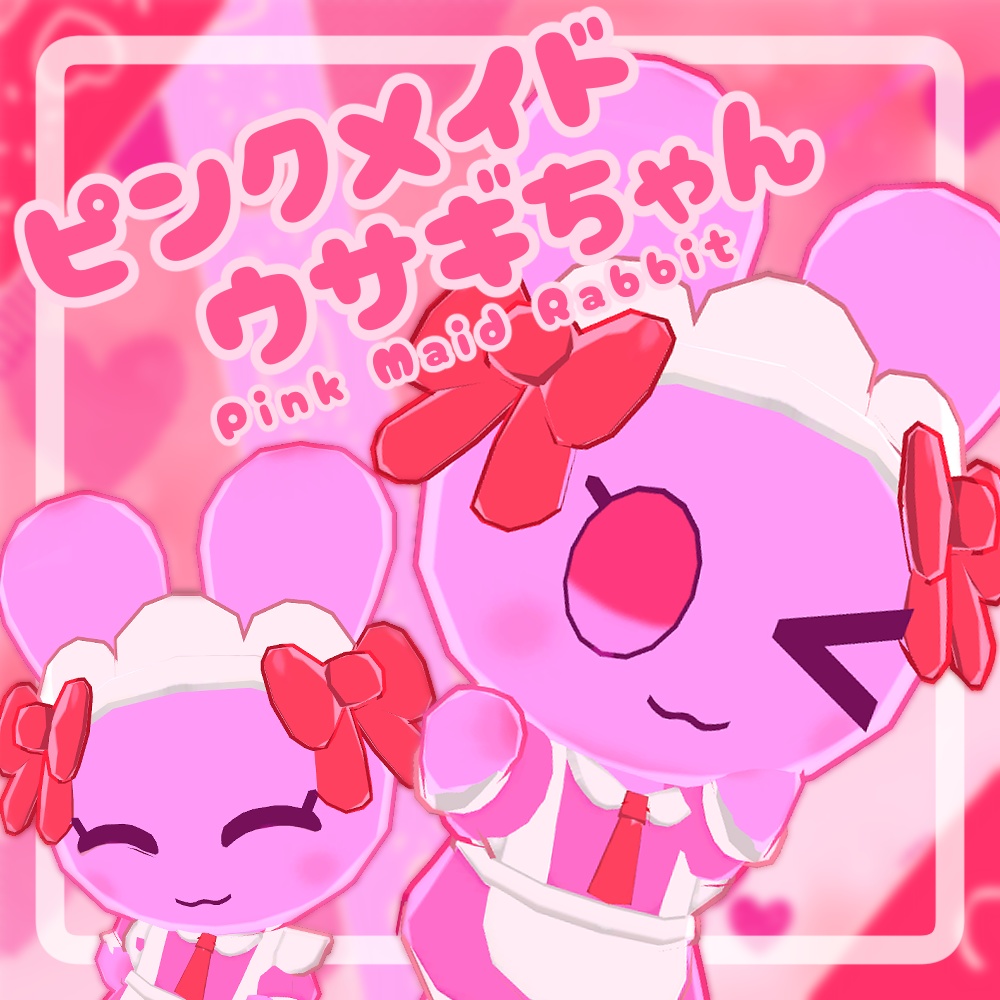
【無料】ピンクメイドウサギちゃん
作者:SOWLD-OUTの同じ作者のアバターを見るBOOTHのショップ →
- 価格
- ¥ 0
- 公開日
- 2025年8月10日
- カテゴリ
- 3Dキャラクター
説明
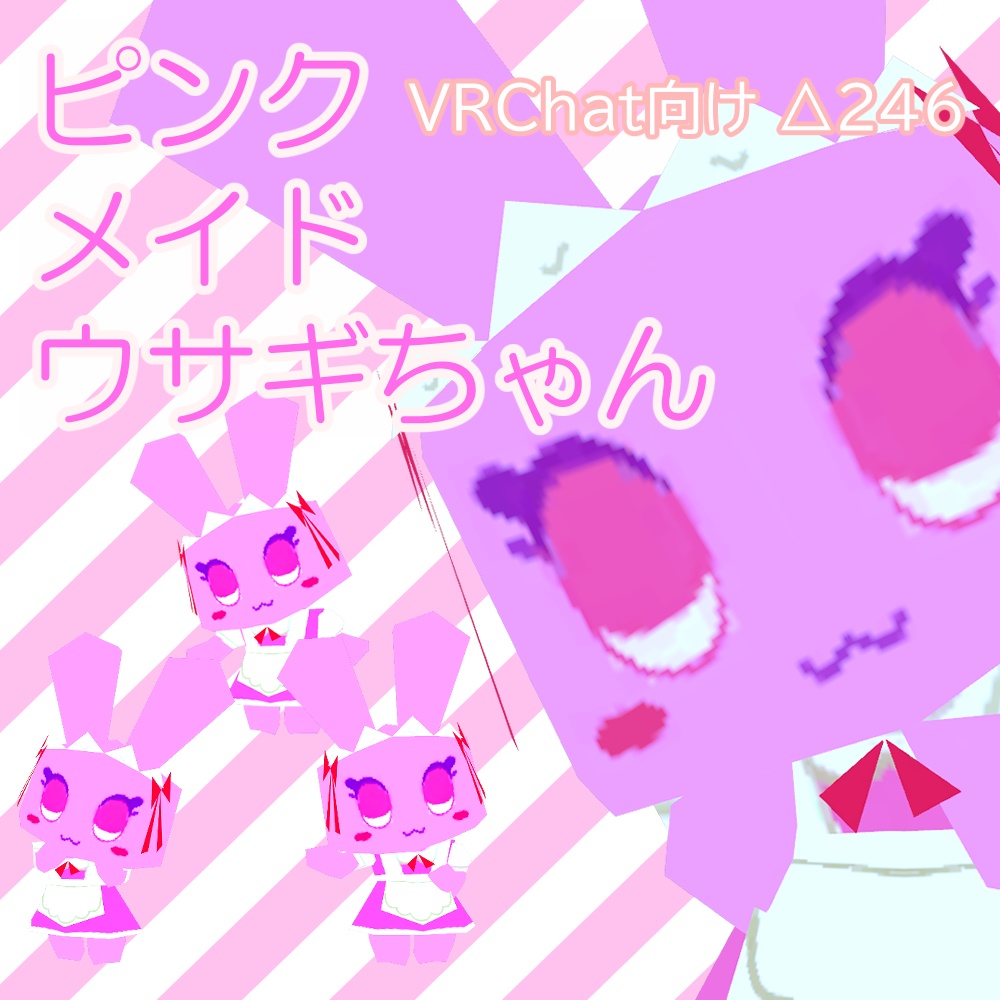
【VRC向けアバター ピンクメイドウサギちゃん - Pink Maid Rabbit】 制作者(Author):森本ソウル(Sowl Morimoto) ------------------------------------------------- 更新履歴-History -2025/8/10 リリース ------------------------------------------------- ■概要 かわいいですね。かわいいですよね。 使いやすいように標準でToonLitにしています。 lilToon版のマテリアルは私の絵柄に寄せるのに頑張りました。 腕がスゴく短い。 かわいいですね。かわいいですよね。 (Twitter(X)ID: morimo64vx) ■説明 -Explanation- △4,302 FBX、blendファイル(included .FBX, .blend) 改変用ファイル(.clip, .psd) サムネイル用に使ってほしいpng画像 ■推奨 -Recommended installation- -liltoon(https://booth.pm/ja/items/3087170) lilToon版のきれいなマテリアルを使いたい場合は必須です。 (比較画像参照) -Modular Avater(https://modular-avatar.nadena.dev/) -FaceEmo(https://booth.pm/ja/items/4915091) MA版を使う場合は必須です。 ■導入方法 -How to Upload- 1.VCC(VRChat Creator Companion)にて新規プロジェクトを作成 2."PuddingFairiesPac_x_x.unitypackage"をインポート Sceneファイル"PinkMaidUsagi_Setup"をクリックすると置かれた状態でScene画面に出てきます (lilToon版、MA版を使いたい場合は、 "Prefabs"フォルダの中の"liltoon_PinkMaidUsagi"、"MA_PinkMaidUsagi"プレハブをヒエラルキーに配置してください) 3.VRChatSDKの指示に従いアップロード (Android(Quest)版で使いたい場合は、VRChatSDKのSelected Platformを"Android"にしてアップロード) 1. Create a new project with VCC (VRChat Creator Companion) 2. Import "PuddingFairiesPac_x_x.unitypackage" Click on the Scene file "PinkMaidUsagi_Setup" and it will appear on the Scene screen. (If you want to use the lilToon version or the MA version, place the "liltoon_PinkMaidUsagi" and "MA_PinkMaidUsagi" prefabs in the "Prefabs" folder in the hierarchy.) 3. Upload according to the instructions in the VRChat SDK (If you want to use it on the Android (Qu
レビュー
まだレビューはありません。最初のレビューを書いてみましょう。